These two words get used interchangeably all the time, and it causes real confusion during project scoping. A client will say "we need authentication" when what they actually mean includes both concepts. They're related, but they solve two completely different problems.
The One-Line Difference
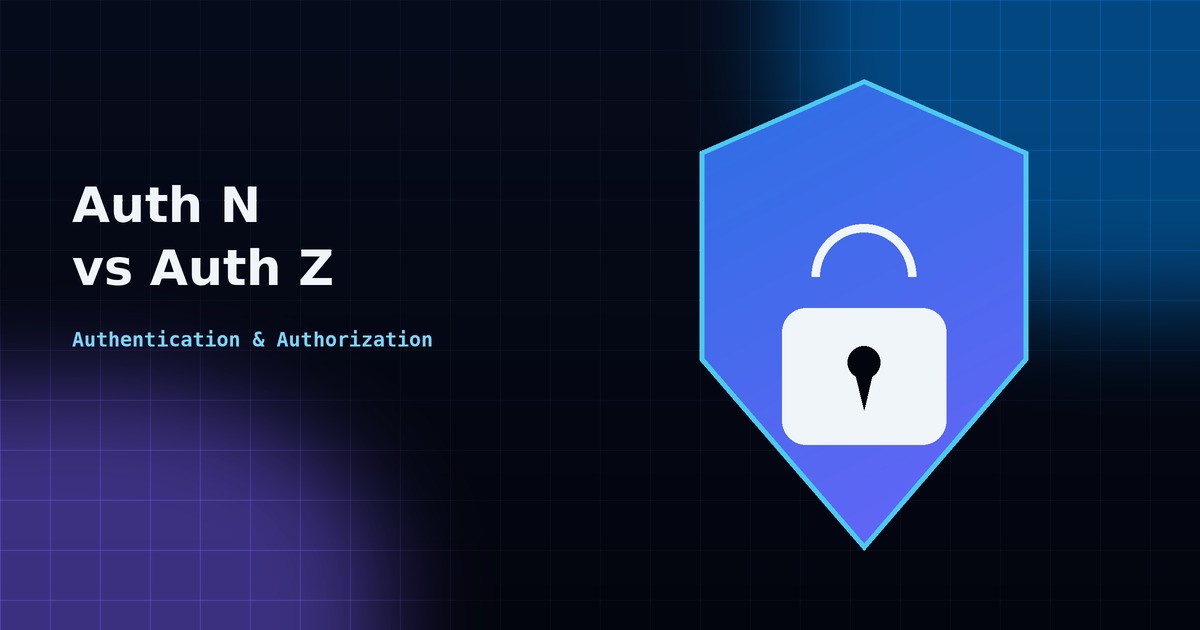
Authentication (AuthN) answers: "Who are you?" It's the process of verifying identity — a login form, a password check, a fingerprint scan.
Authorization (AuthZ) answers: "What are you allowed to do?" It's the process of checking permissions after identity is already confirmed — can this user delete this invoice, or only view it?
A simple way to remember it: authentication happens once, at login. Authorization happens repeatedly, on every action the user tries to take afterward.
How Authentication Works in ASP.NET Core
ASP.NET Core supports several authentication schemes, but the two most common in modern web and API projects are:
- Cookie authentication — used in traditional web apps where the server issues a session cookie after login.
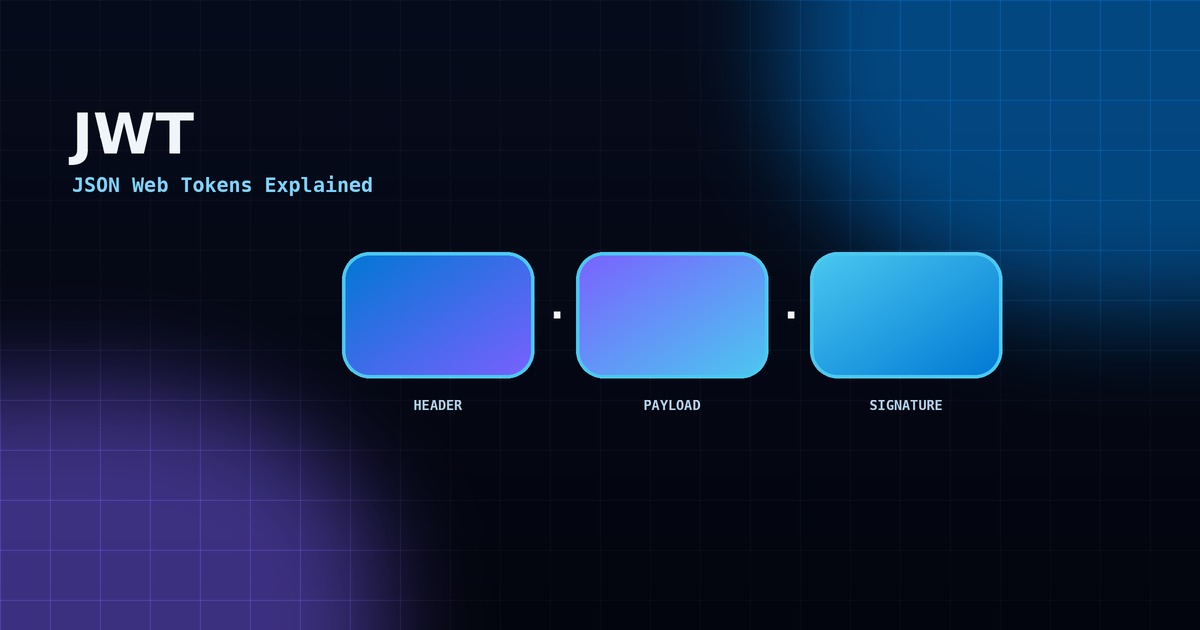
- JWT Bearer authentication — used in APIs and single-page apps (React, Angular), where the client holds a signed token and sends it with every request.
Configuring JWT authentication typically looks like this in Program.cs:
builder.Services.AddAuthentication(JwtBearerDefaults.AuthenticationScheme)
    .AddJwtBearer(options =>
    {
        options.TokenValidationParameters = new TokenValidationParameters
        {
            ValidateIssuer = true,
            ValidateAudience = true,
            ValidateLifetime = true,
            ValidateIssuerSigningKey = true,
            ValidIssuer = config["Jwt:Issuer"],
            ValidAudience = config["Jwt:Audience"],
            IssuerSigningKey = new SymmetricSecurityKey(key)
        };
    });
How Authorization Works in ASP.NET Core
Once identity is confirmed, authorization decides what that identity can access. ASP.NET Core offers a few approaches:
- Role-based —
[Authorize(Roles = "Admin")], the simplest and most common approach. - Policy-based — custom rules registered once and reused, e.g. "must be over 18" or "must own this resource."
- Claims-based — checking specific claims embedded in the user's token, such as a department or subscription tier.
[Authorize(Roles = "Manager,Admin")]
[HttpDelete("invoices/{id}")]
public async Task<IActionResult> DeleteInvoice(int id)
{
    // Only reached if the user is authenticated
    // AND holds the Manager or Admin role
}
Why this distinction matters for your project: a login screen alone is not "secure." Plenty of applications correctly verify who a user is, then forget to check what that user is allowed to do — letting any logged-in user delete any record. That's an authorization gap, not an authentication one, and it's one of the most common real-world vulnerabilities in business applications.
Questions Worth Asking Your Development Team
- Are roles and permissions checked on every sensitive endpoint, or only in the UI (which is easy to bypass)?
- Are tokens given a short expiry, with a refresh mechanism, rather than staying valid indefinitely?
- Is authorization logic centralized (policies) rather than scattered as ad-hoc
ifchecks across the codebase?
Why This Matters When Outsourcing Development
When a Qatar-based business outsources a project, security is often the hardest thing to verify from a distance — you can't "see" whether authorization checks were implemented correctly just by looking at the running app. It's worth explicitly asking your outsourced developer to document the authentication scheme and the authorization rules for each sensitive endpoint as part of project handover, not as an afterthought.