
Ever feel like you’re doing the same tasks again and again? Yeah, we’ve all been there.
That’s exactly where a workflow generator comes in.
It helps you automate repetitive work so you can focus on what actually matters.
If you’re running a business or even managing personal tasks, this can save hours every week.
A workflow generator is a tool that helps automate repetitive tasks by creating step-by-step processes. It connects apps, triggers actions, and reduces manual work. Businesses use it to improve efficiency, reduce errors, and scale operations without needing complex coding or technical knowledge.
Table of Contents
- What is a Workflow Generator?
- Why You Need a Workflow Generator
- How Workflow Generators Work
- Types of Workflow Generators
- Best Workflow Generator Tools
- Benefits of Workflow Automation
- Manual vs Automated Workflow
- FAQ
1. What is a Workflow Generator?
A workflow generator is a system that helps you create automated workflows.
Instead of doing tasks manually, the system handles them for you.
Simple Example
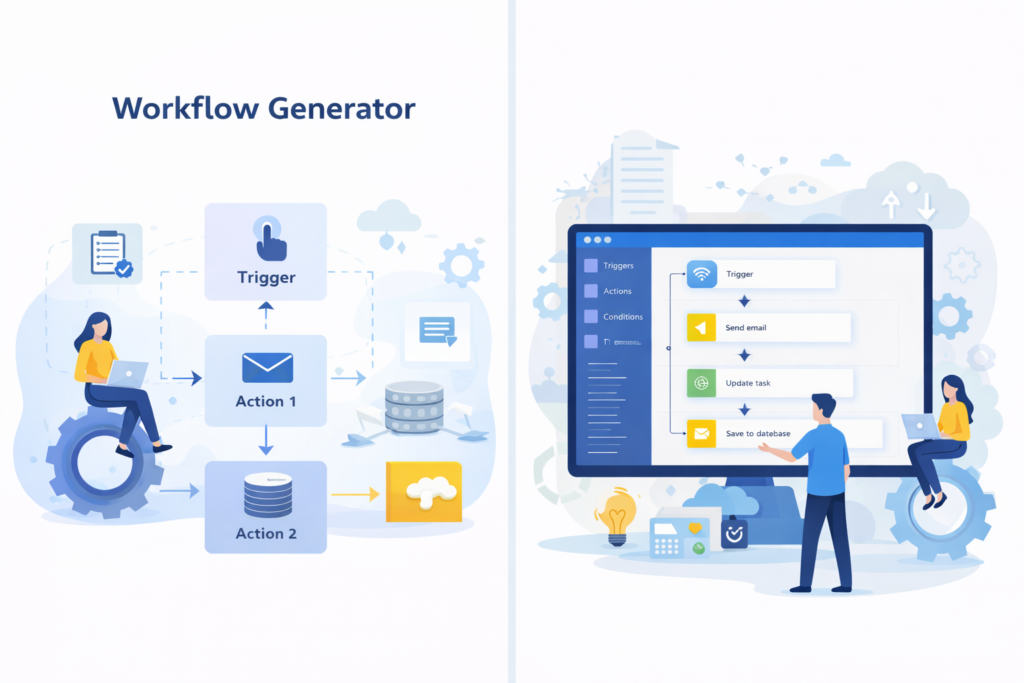
- User submits a form
- Email is triggered automatically
- Data is saved in database
Look, it’s like setting rules once and letting the system do the rest.
Want to explore automation basics? Check IBM workflow automation guide.
You can also read this automation tools comparison guide.
2. Why You Need a Workflow Generator
Honestly, manual work is slow. And mistakes happen. A workflow generator fixes that.
Common Problems Without Automation
- Time wasted on repetitive tasks
- Human errors
- Poor team coordination
- Slow business growth
What Changes With a Workflow Generator?
- Tasks run automatically
- Better accuracy
- Faster execution
- Improved productivity
Once you start using automation, going back feels impossible.
3. How Workflow Generators Work
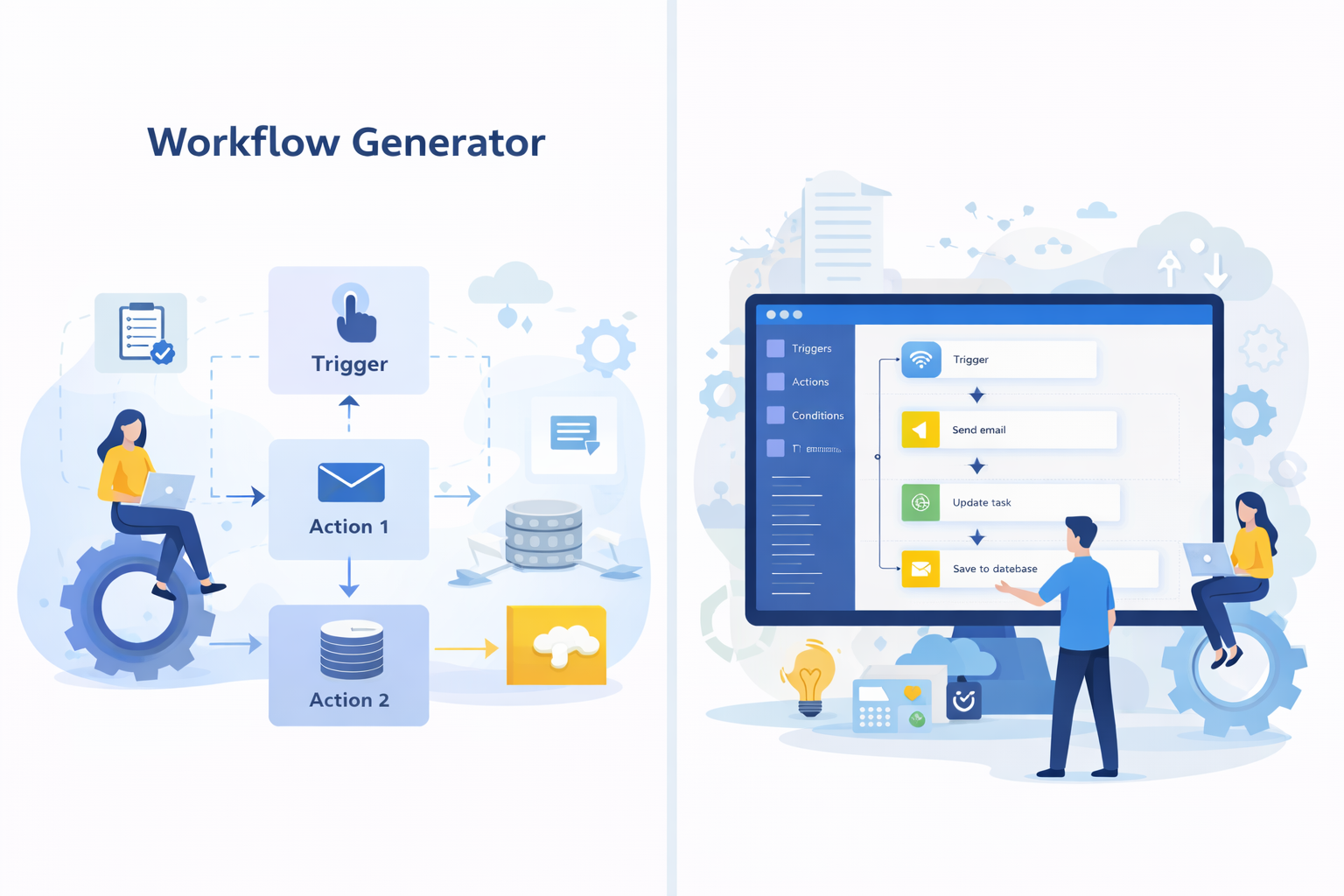
Here’s the thing — most workflow generators follow a simple logic: Trigger → Action.
Basic Workflow Structure
- Trigger (event starts workflow)
- Condition (optional logic)
- Action (task executed)
Example: When a new user signs up (trigger), send welcome email (action).
Advanced Features
- Multi-step workflows
- API integrations
- Conditional logic
- Real-time processing
Modern tools connect apps like CRM, email, and databases together.
4. Types of Workflow Generators
Not all tools are the same. Choosing the right type matters.
Main Types
- No-code workflow generators
- Low-code platforms
- Custom-built workflow systems
Which One Should You Choose?
- Beginners → No-code tools
- Developers → Custom solutions
- Businesses → Low-code platforms
I’ve noticed most startups prefer no-code tools at the beginning.
5. Best Workflow Generator Tools
There are many tools out there. But some stand out.
Popular Tools
- Zapier
- Make (Integromat)
- Microsoft Power Automate
- n8n (open-source)
What to Look For
- Ease of use
- Integration support
- Pricing
- Scalability
If you’re using Microsoft stack, Power Automate is a solid choice.
6. Benefits of Workflow Automation
Automation isn’t just about saving time. It changes how you work.
Key Benefits
- Increased efficiency
- Reduced costs
- Better accuracy
- Improved scalability
Think about it — what if your daily tasks just handled themselves?
7. Manual vs Automated Workflow
| Feature | Manual Workflow | Automated Workflow |
|---|---|---|
| Speed | Slow | Fast |
| Errors | High | Low |
| Scalability | Limited | High |
| Cost | Higher long-term | Lower long-term |
Automation clearly wins in the long run.
8. FAQ
What is a workflow generator?
A workflow generator automates tasks by defining steps and actions triggered by events.
Do I need coding to use workflow generators?
No, many tools offer no-code interfaces.
What is the best workflow generator tool?
Zapier and Microsoft Power Automate are popular choices.
Can workflow automation save time?
Yes, it significantly reduces manual effort and speeds up processes.
Is workflow automation expensive?
Many tools offer free plans, making it affordable.
Can small businesses use workflow generators?
Absolutely, they benefit the most from automation.
What industries use workflow automation?
Almost all industries including IT, healthcare, and finance.
Final Thoughts
A workflow generator isn’t just a tool. It’s a smarter way to work. Start small, automate simple tasks, and grow from there.
Once you see the results, you’ll wonder why you didn’t start earlier.
Read Next : How to Become a Freelancer Developer (Step-by-Step Guide) – Raviindra.com